Python, wxPython and robotframework RIDE on your macOS.
Update 2016, 23 Feb
FixedwxPython installation so it works with most recent versions available today.Update 2017, 03 Jul
Seems this installation method no longer works on >= MacOS Sierra. Please use a docker image and Ride in browser.wxPython
Since wxPython is available on homebrew you don’t have to install the package provided on the wxPython website.
$ brew info wxpython
wxPython: stable 3.0.2.0 (bottled)
Python bindings for wxWidgets
https://www.wxwidgets.org/
/usr/local/Cellar/wxPython/3.0.2.0 (1,107 files, 38.2M)
  Poured from bottle
From: https://github.com/Homebrew/homebrew/blob/master/Library/Formula/wxpython.rb
==> Dependencies
Required: wxmac ✔
==> Options
--universal
$ brew install wxpython
This will take some time so be patient.
Robot Framework
Robot Framework is a generic test automation framework for acceptance testing and acceptance test-driven development (ATDD). It has easy-to-use tabular test data syntax and utilizes the keyword-driven testing approach.
For sure you have to define a lot of keywords, but if you setup your
project templates in a keywords file once you’ll get quite readable
test files, even for a non-developer.
Installing robotframework-ride and robotsuite is quite easy by using pip:
$ pip install robotframework-ride
Collecting robotsuite
Collecting robotframework-ride
Collecting robotframework>=2.8rc1 (from robotsuite)
Installing collected packages: robotframework, robotsuite, robotframework-ride
Successfully installed robotframework-3.0 robotframework-ride-1.5.2.1 robotsuite-1.7.0
Ride executable was installed in /usr/local/bin/ride.py. If you try to
start RIDE now, you’ll get following error:
wxPython not found.
You need to install wxPython 2.8.12.1 with unicode support to run RIDE.
wxPython 2.8.12.1 can be downloaded from http://sourceforge.net/projects/wxpython/files/wxPython/2.8.12.1/
Patch robotframework-ride’s wx detection
Find your robotide python egg and open its __init__.py. On my
machine this was located in
/usr/local/lib/python2.7/site-packages/robotide.
You’ll have to update wxversion detection, so add following line:
# ...
try:
    import wxversion
    from wxversion import VersionError
    if sys.platform == 'darwin': # CAN NOT IMPORT IS_MAC AS THERE IS A wx IMPORT
        supported_versions.append("2.9")
        supported_versions.append("3.0")
    wxversion.select(supported_versions)
    import wx
# ...
That’s it, now let’s start ride.py.
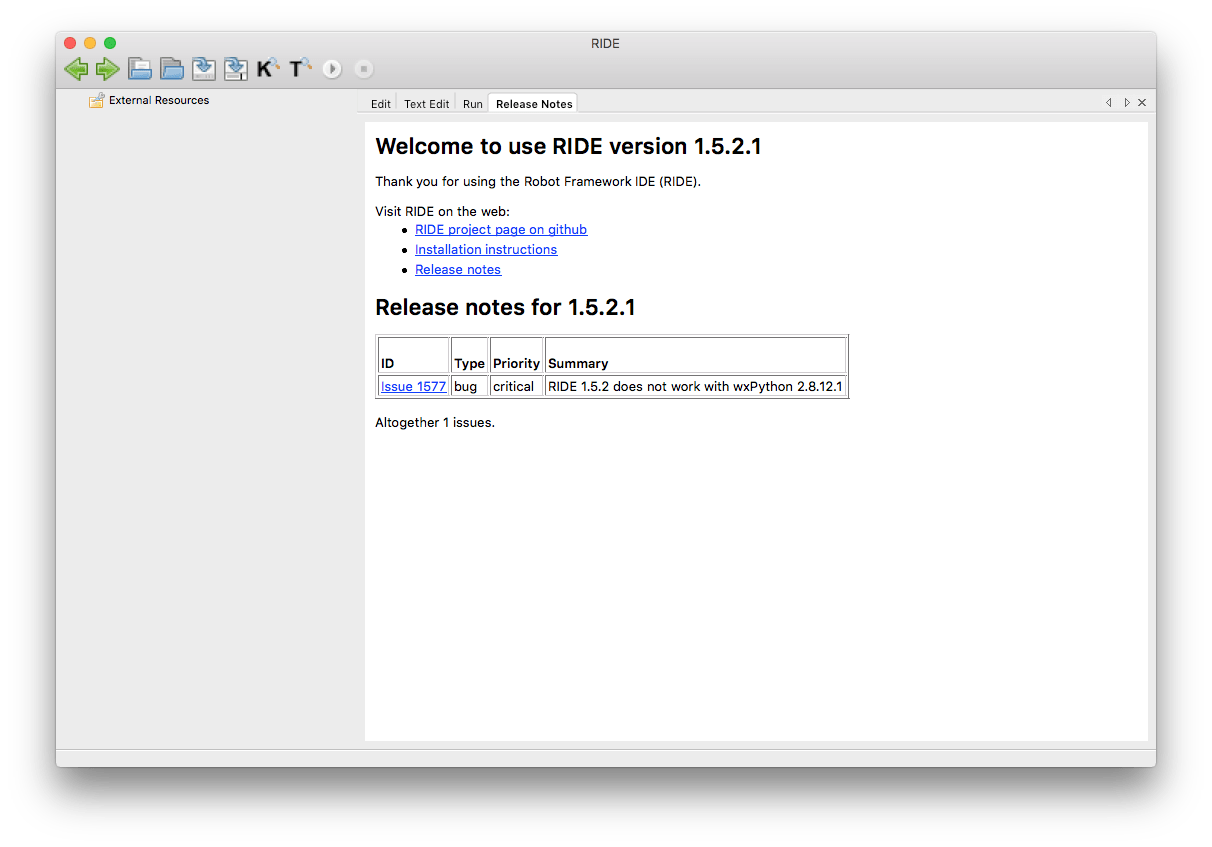
Starting RIDE
If you’ve added /usr/local/bin to you’re PATH environment variable
you should be able to start ride by typing ride.py on your command
line.:
$ ride.py
Creating librarykeywords database to "/Users/daniel/.robotframework/ride/librarykeywords.db"
Problems
If you have any trouble in future, just delete the ~/.robotframework
directory, and you can startup the application again.