Running offical docker images from Docker hub on OpenShift can be painful as it uses arbitrary user ids by default. Often you end up building your own or using 3rd party forks/clones of the offical image, which leds to additional effort to keep it up to date in terms of security and/or version upgrades.
Background
Technically speaking, [OpenShift] generates a dynamicuid to launch a
container which will not have an associated entry in the containers
/etc/passwd file. At docker image build time this user does not exist so
chown files and/or directories to this uid is not possible.Grafana’s docker image
gosu
Grafana runs its service as grafana user and uses an entrypoint
script which runs as root and launches grafana-server as grafana
user by using gosu, see run.sh on
github.com
If you start the container using a default docker command it will launch
grafana-server as you would expect:
$ docker run -it grafana/grafana:latest
Bypassing gosu by using a custom entrypoint
If you use a different entrypoint you will bypass run.sh and stay
root.
$ docker run -it --entrypoint=/bin/sh grafana/grafana:4.4.3
# whoami
root
Platforms as OpenShift which share a huge amount of containers among its
shared infrastructure use Docker’s --user switch to launch the container.
$ docker run -it --user 12345 --entrypoint=/bin/sh grafana/grafana:4.4.3
# whoami
whoami: cannot find name for user ID 12345
Why this does not work on OpenShift?
Since the container get’s started with a arbitrary user id - which is
not root - it cannot chown directories to another users. This leds to
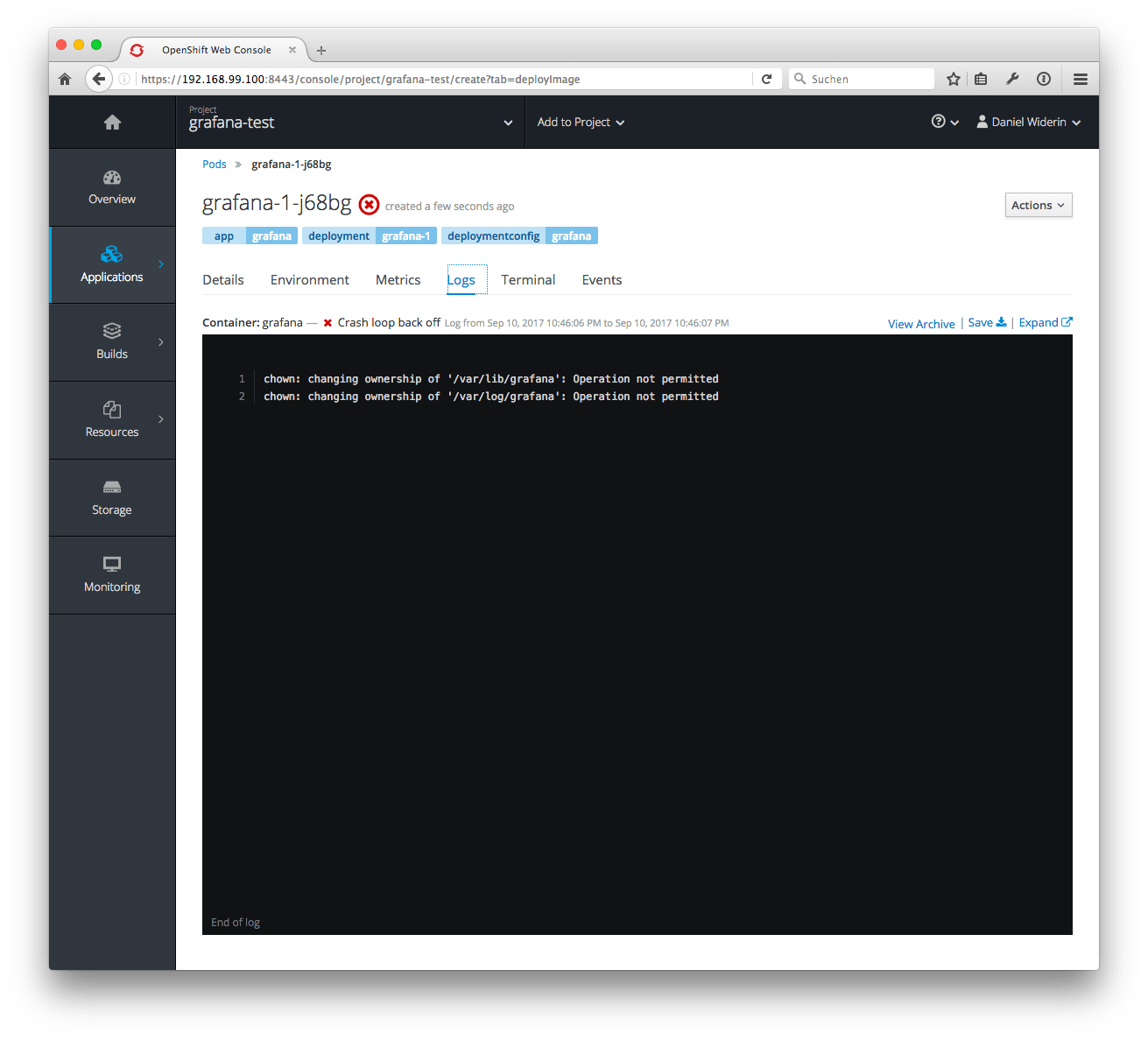
the error message which are caused by these lines in run.sh:
chown: changing ownership of '/var/lib/grafana': Operation not permitted
chown: changing ownership of '/var/log/grafana': Operation not permitted
Bypassing entrypoint and mounting volumes
First you might think, I’m going to build my own docker images, which bring’s an additional effort to maintain your own image. In some cases this might be necessary, but wait - for Grafana you can just specify your own entrypoint:
$ docker run --user 12345 -it \
             --entrypoint=/usr/sbin/grafana-server grafana/grafana:4.4.3 \
             --homepath=/usr/share/grafana \
             --config=/etc/grafana/grafana.ini
This works fine, but how to bring this to OpenShift?
Deploy Grafana on OpenShift
I’ve created a new project grafana-test and used the OpenShift web interface or the command line tool oc to deploy the grafana/grafana:4.4.3 image from docker hub:
$ oc create project grafana-test
$ oc new-app grafana/grafana:4.4.3

--> Found Docker image d649e9c (4 weeks old) from Docker Hub for "grafana/grafana:4.4.3"

    * An image stream will be created as "grafana:4.4.3" that will track this image
    * This image will be deployed in deployment config "grafana"
    * Port 3000/tcp will be load balanced by service "grafana"
      * Other containers can access this service through the hostname "grafana"
    * This image declares volumes and will default to use non-persistent, host-local storage.
      You can add persistent volumes later by running 'volume dc/grafana --add ...'
    * WARNING: Image "grafana/grafana:4.4.3" runs as the 'root' user which may not be permitted by your cluster administrator

--> Creating resources ...
    imagestream "grafana" created
    deploymentconfig "grafana" created
    service "grafana" created
--> Success
    Run 'oc status' to view your app.
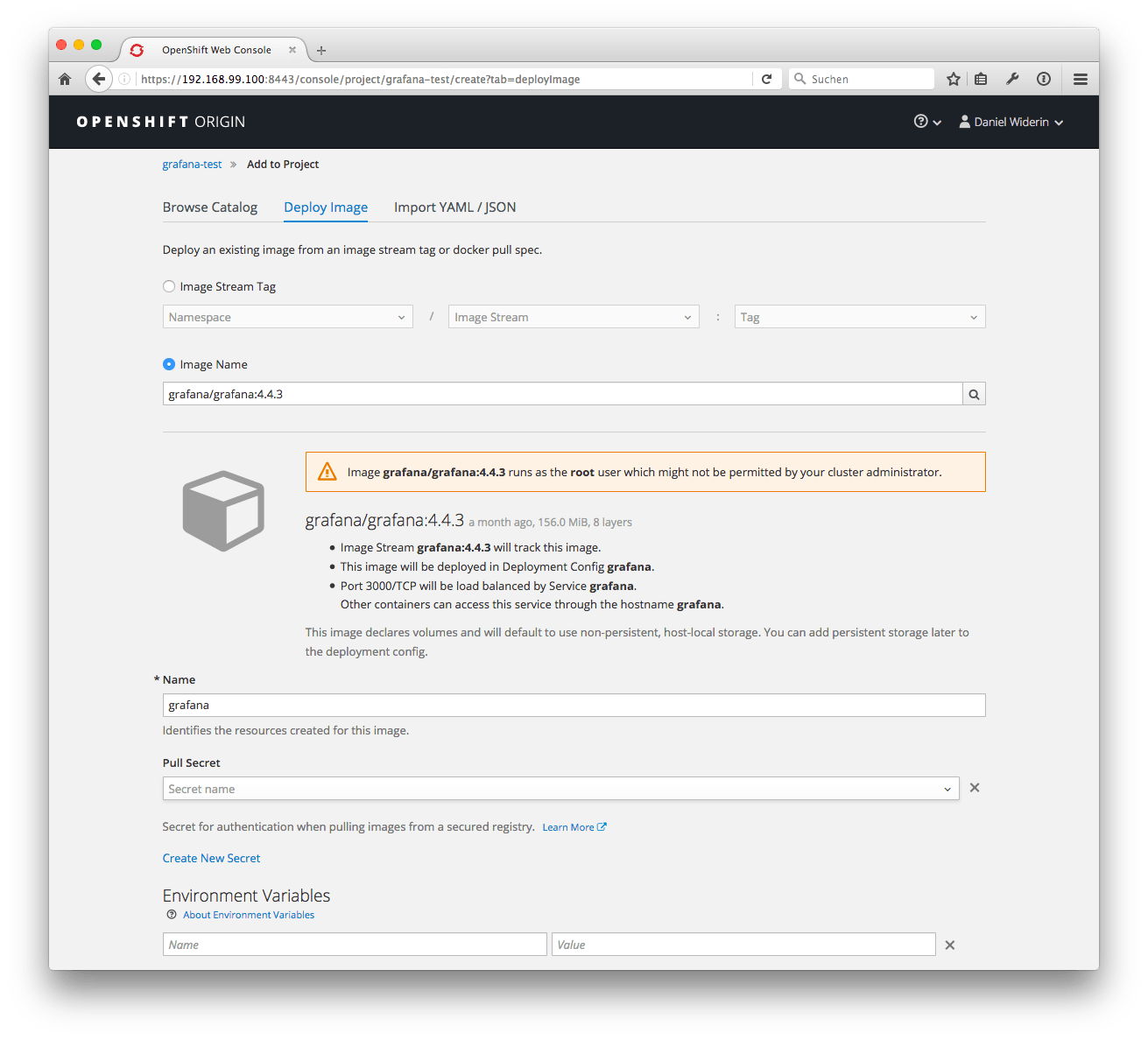
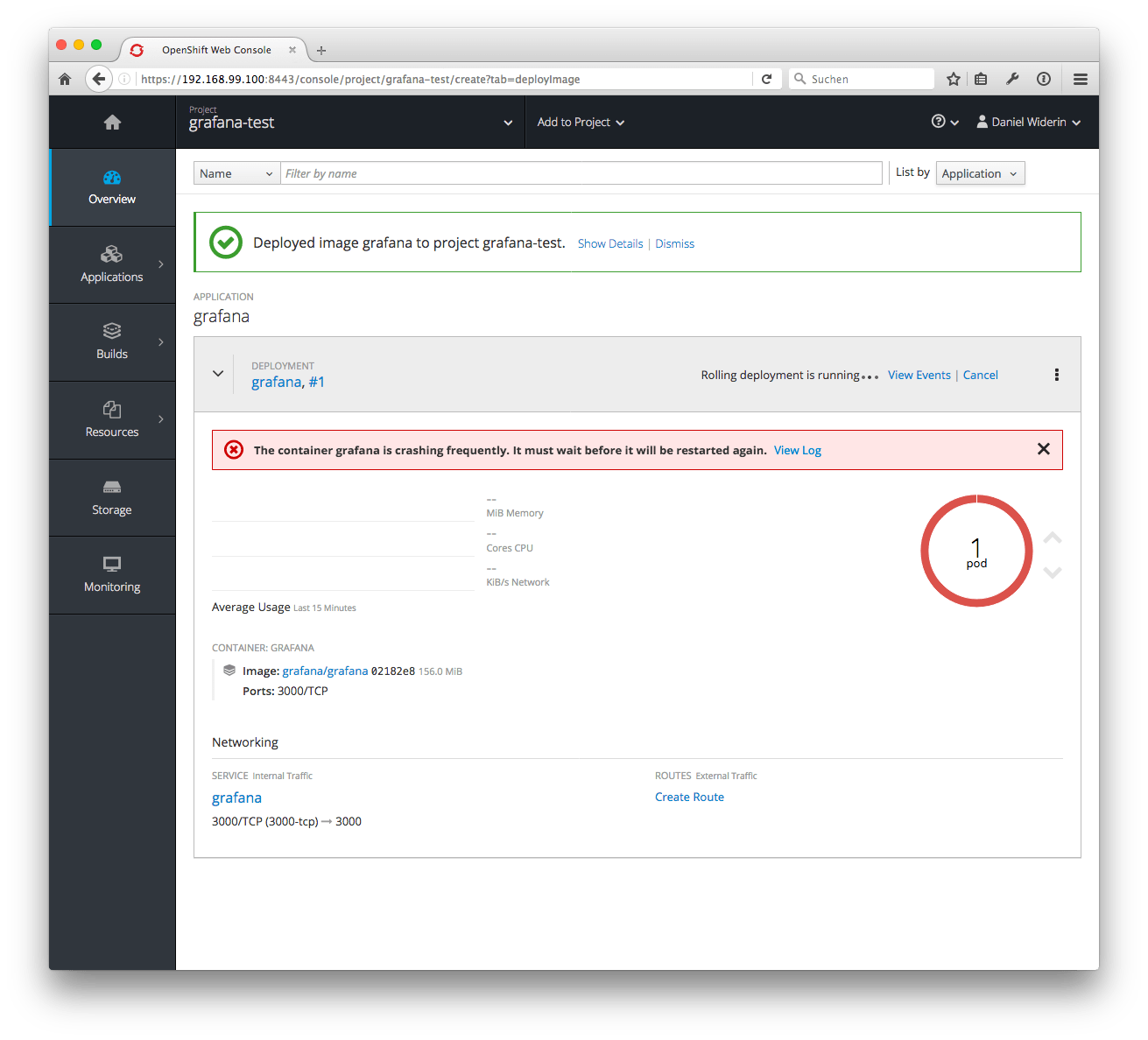
There's a warning - as I mentioned above - this container will run as root which might be not allowed. And as expected it will not start and OpenShift displays following error message:
$ oc status

In project grafana-test on server https://192.168.99.100:8443

svc/grafana - 172.30.152.59:3000
  dc/grafana deploys istag/grafana:4.4.3
    deployment #1 running for 4 minutes - 0/1 pods (warning: 5 restarts)

Errors:
  * pod/grafana-1-m15lp is crash-looping

1 error identified, use 'oc status -v' to see details.
Fix permission issues for Grafana deploymentconfig
There are several things to fix.
- We have to inject a configmap with Grafana’s configuration
file, because it cannot read the configfile in
/etc/grafana/grafana.inior if a volume was mounted automatically, there's no configuration file. - We have to adjust the entrypoint and arguments for container startup as described in the kubernetes documentation for command and args.
ConfigMap
Let’s start to create a configuration file for Grafana. Adjust it
to your needs and store it as grafana.ini in your current working
directory. Mine is listed below.
[paths]
data = /var/lib/grafana
logs = /var/log/grafana
plugins = /var/lib/grafana/plugins

[log]
# Either "console", "file", "syslog". Default is console and  file
# Use space to separate multiple modes, e.g. "console file"
mode = console

[security]
# default admin user, created on startup
admin_user = root
admin_password = secret
Now create a ConfigMap which contains the content of the configuration file.
$ oc create configmap grafana-config --from-file=grafana.ini=./grafana.ini
configmap "grafana-config" created
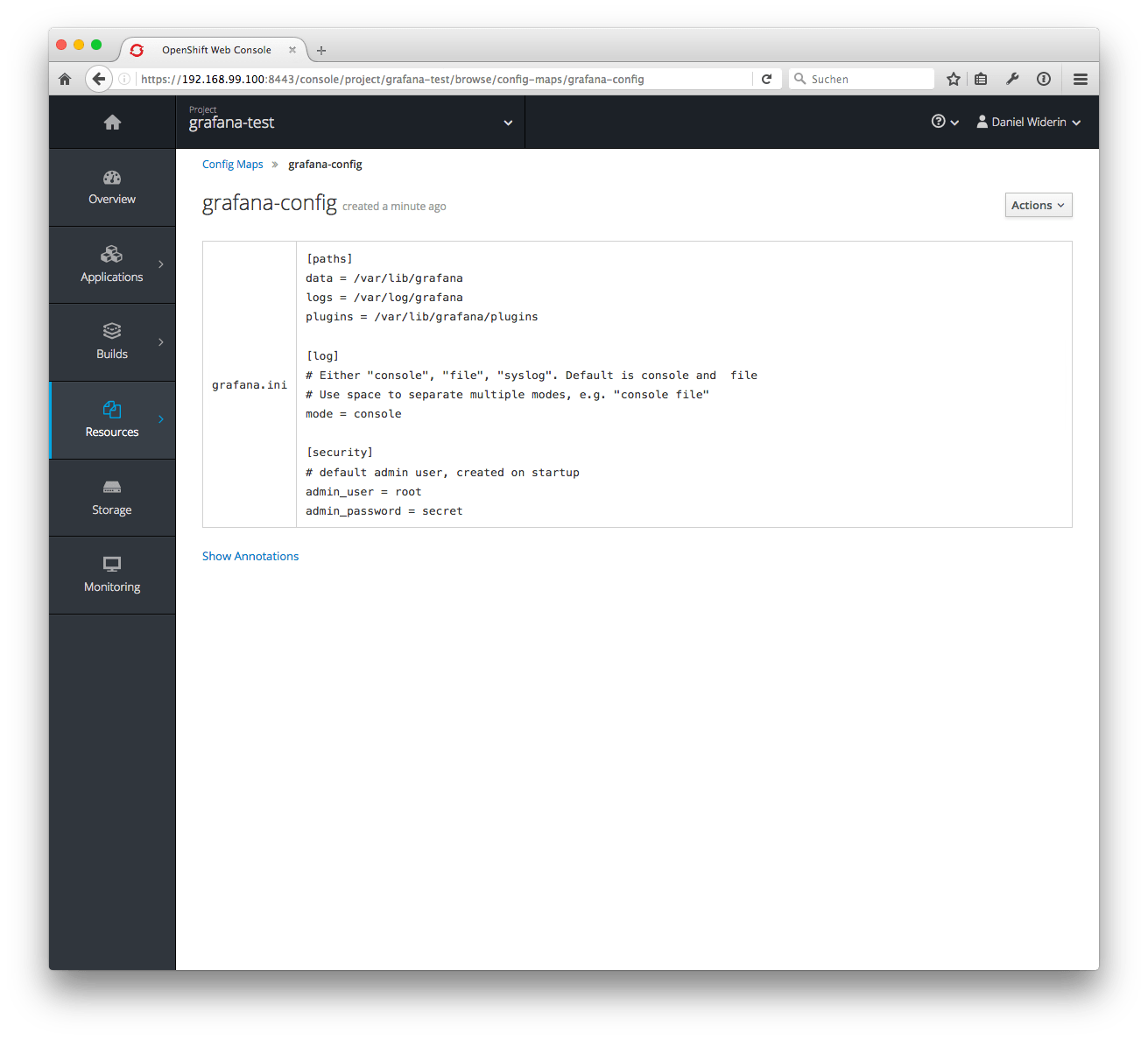
That’s it.
Putting it all together in a DeploymentConfig
Let’s continue by modifying Grafana’s deploymentconfig by opening it for local editing, which seems to be the easiest way to adjust all those settings. You could also edit this in the OpenShift YAML editor on the deploymentconfig’s page.
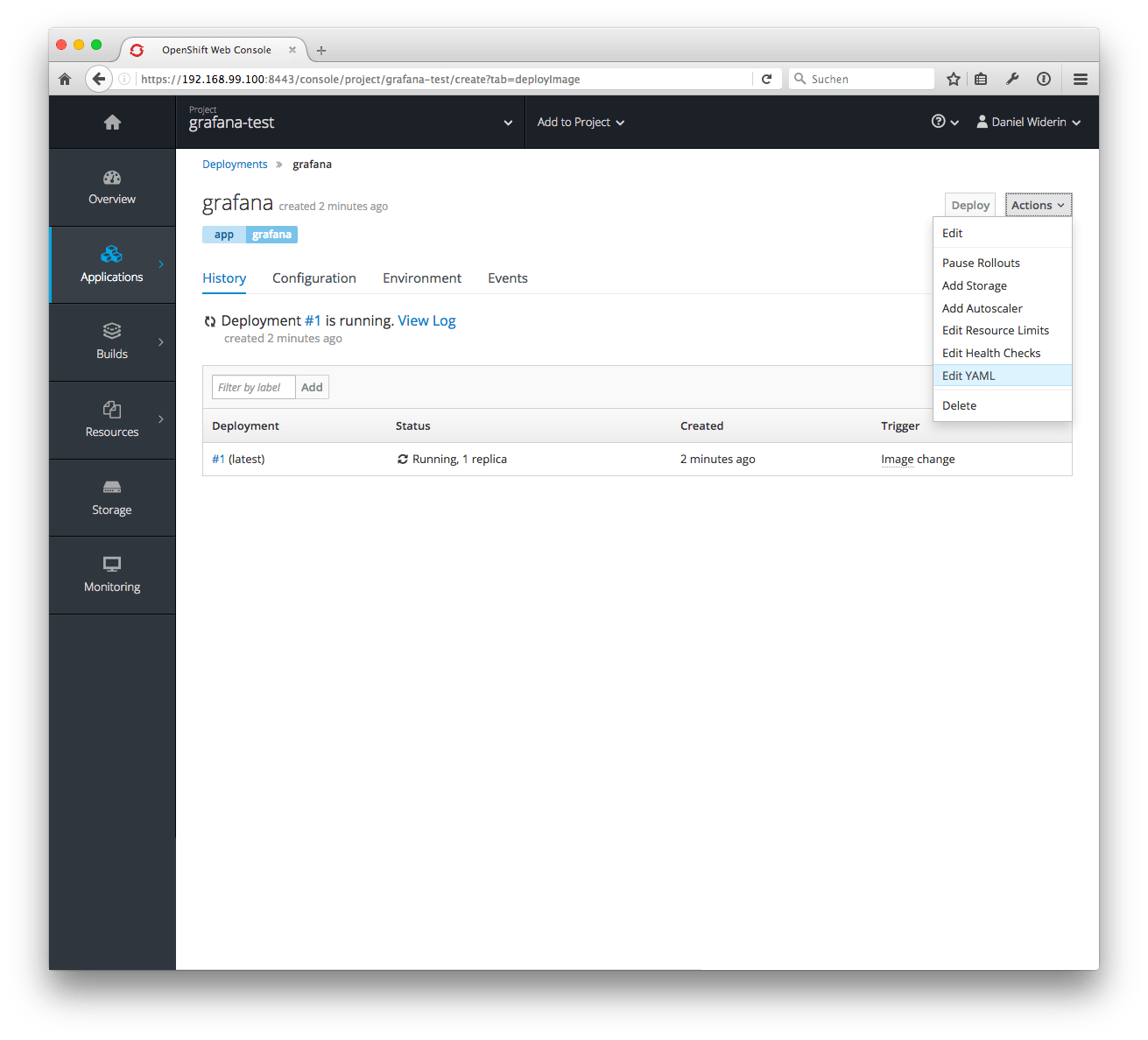
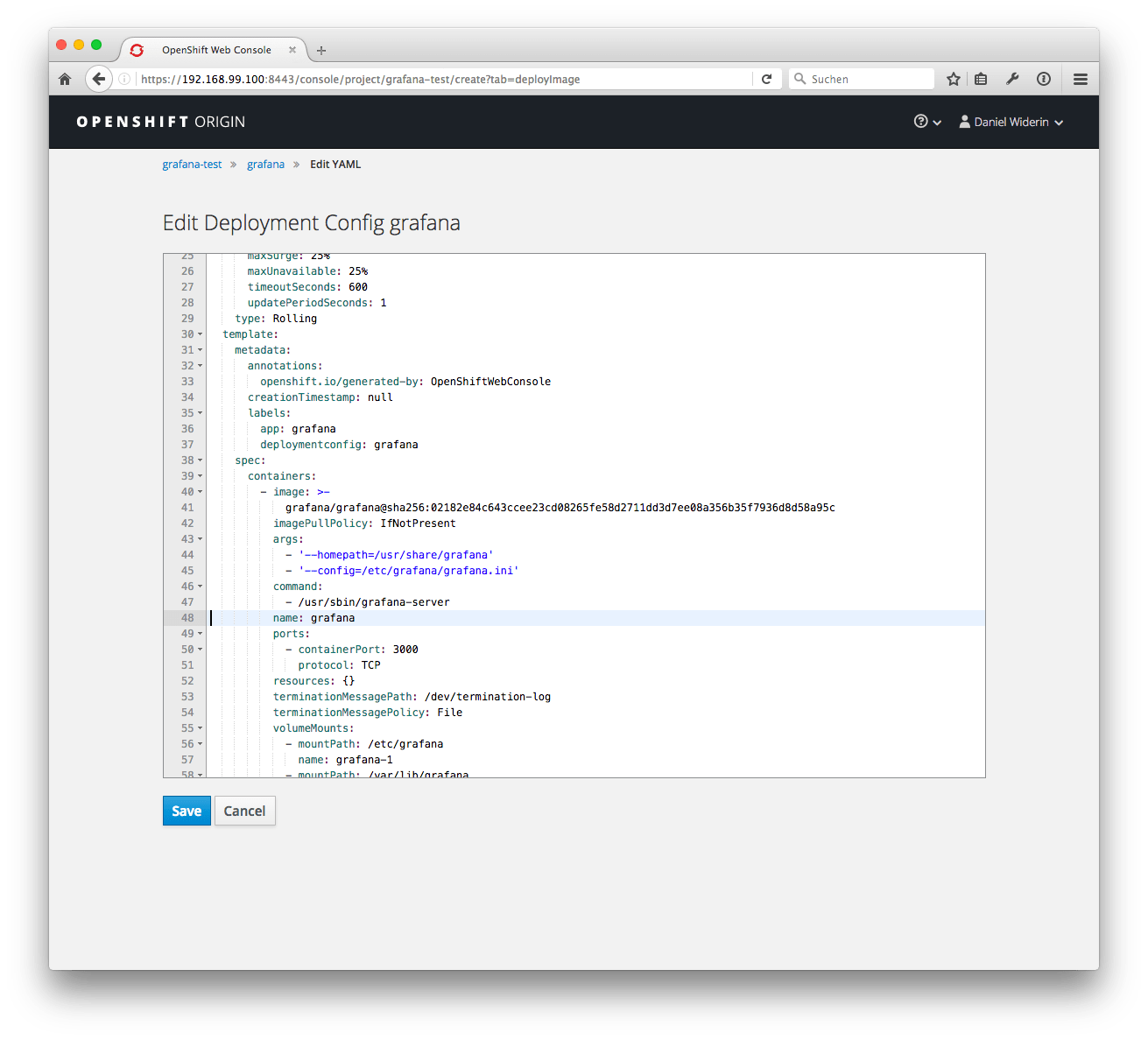
$ oc edit deploymentconfig grafana
Volumes
Fix the volume mounts which were created automatically because
they’re exposed as VOLUME within the Grafana docker file.
apiVersion: v1
kind: DeploymentConfig
...
spec:
  template:
    spec:
      containers:
      - image: grafana/grafana:4.4.3
        ...
        volumeMounts:
        - mountPath: /etc/grafana
          name: grafana-config
        - mountPath: /var/lib/grafana
          name: grafana-data
        - mountPath: /var/log/grafana
          name: grafana-log
      volumes:
      - name: grafana-config
        configMap:
          defaultMode: 420
          name: grafana-config
      - name: grafana-data
        emptyDir: {}
      - name: grafana-log
        emptyDir: {}
Hint
You might want to use a persistantVolumeClaim to store [Grafana] data on a persistent storage.Entrypoint and arguments
Add command and args as shown below. I’ve also dropped the
ImageStream and use the original docker hub image (which should not
make and difference).
apiVersion: v1
kind: DeploymentConfig
...
spec:
  template:
    spec:
      containers:
      - image: grafana/grafana:4.4.3
        command:
        - /usr/sbin/grafana-server
        args:
        - '--homepath=/usr/share/grafana'
        - '--config=/etc/grafana/grafana.ini'
        ...
Save and close your editor, the new DeploymentConfig will automatically be uploaded by oc after the file handle is freed up and following message will be shown in your terminal:
deploymentconfig "grafana" edited
Now check OpenShift web interface and enjoy.
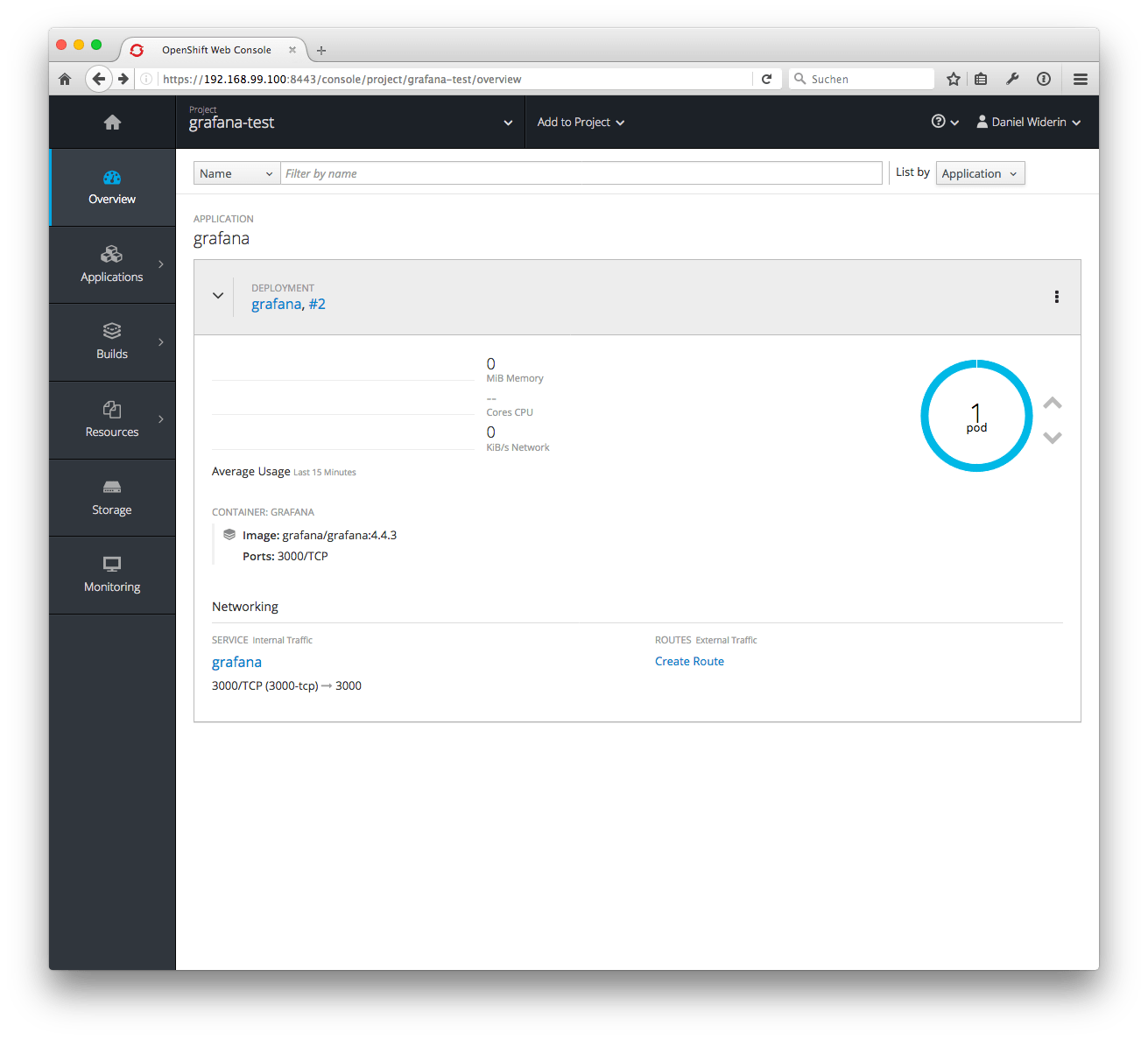
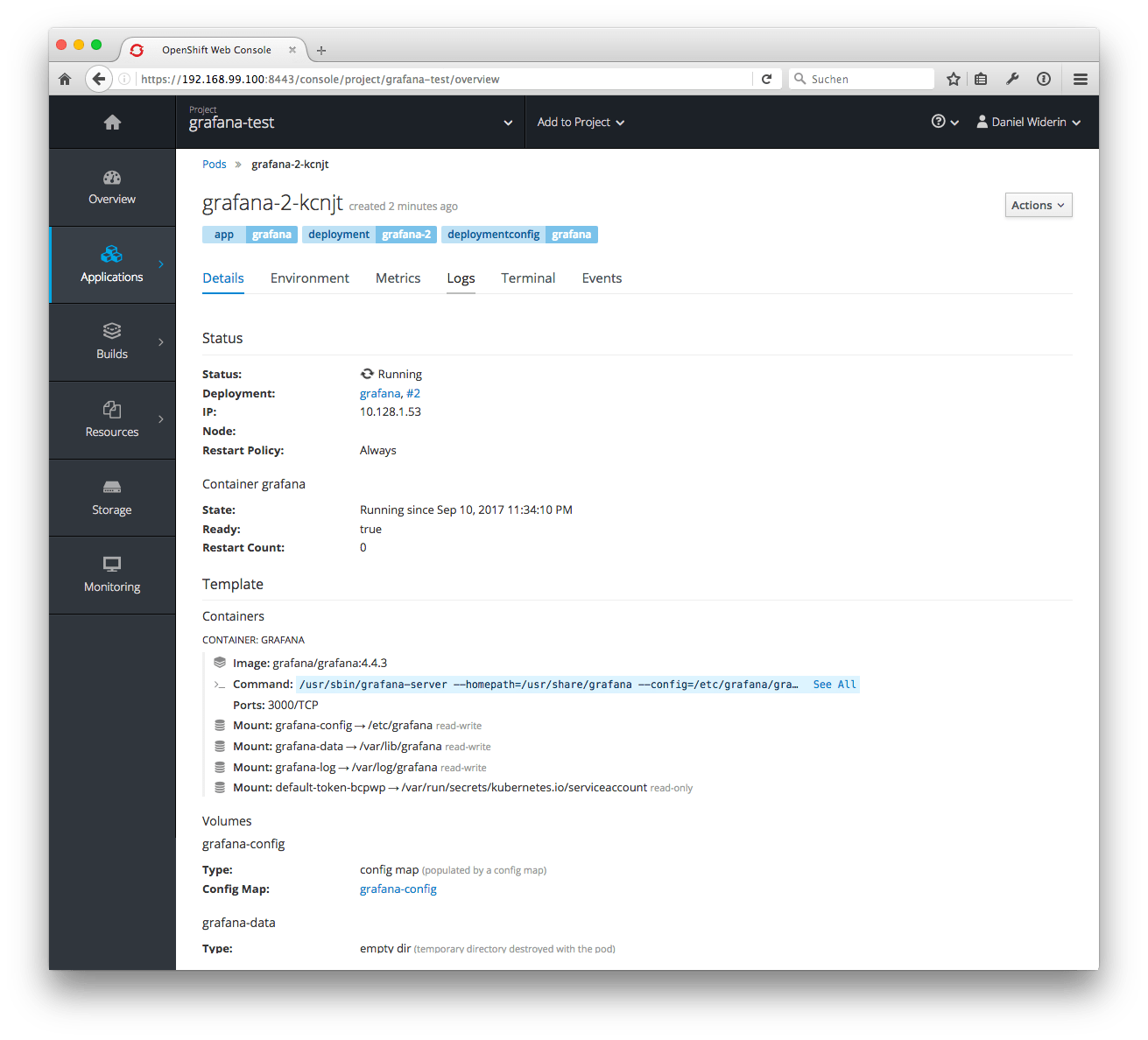
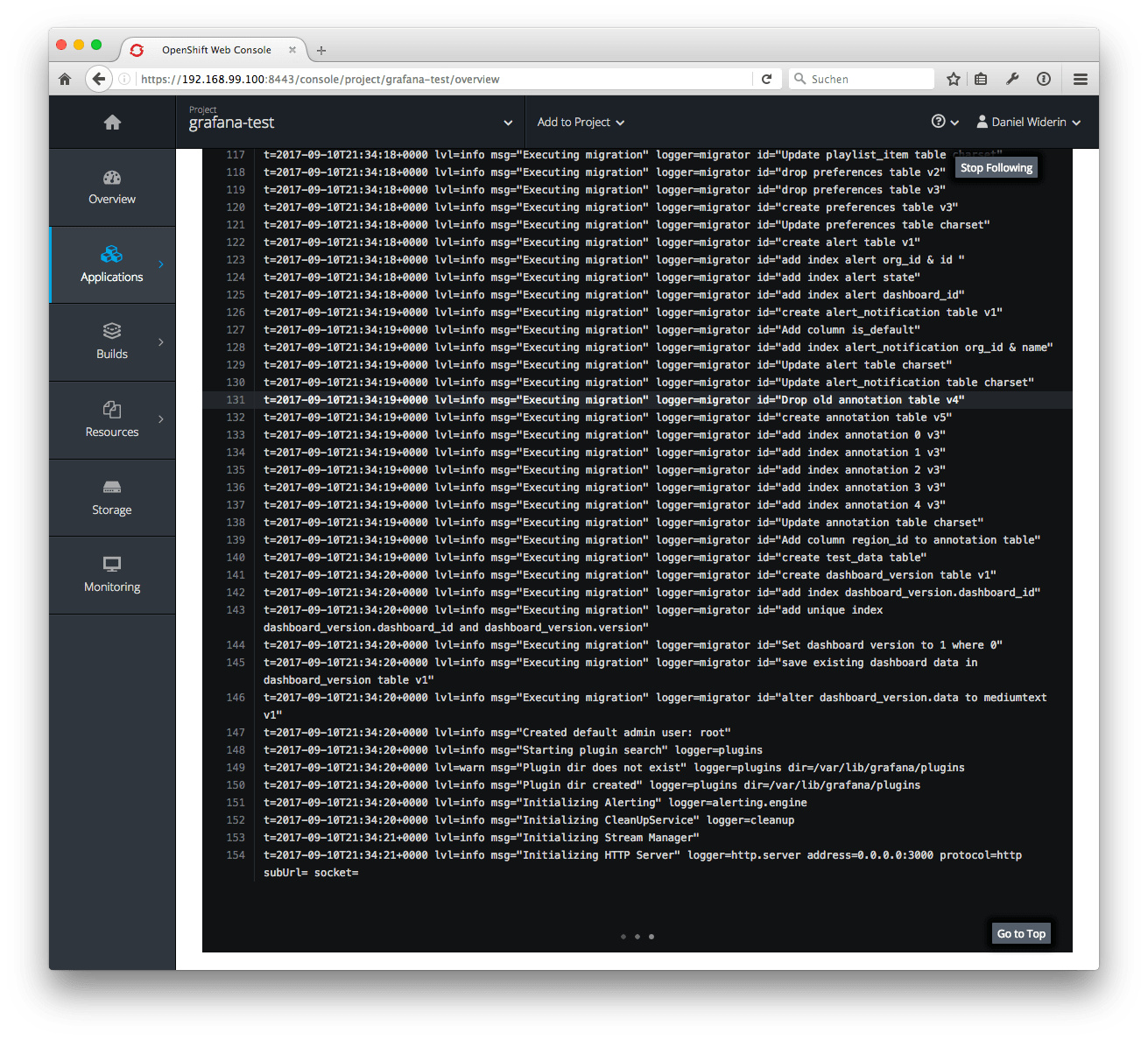
Just expose the the Service to the world if you want:
$ oc expose grafana
route "grafana" exposed