Some time ago m0n0wall burried their project and my
firewall went out of maintenance. Back in 2008
m0n0wall really had its great time but unfortunately the
recommended successor project opnsense required more
hardware (cpu/memory) than my alix routerboard alix2c3
was equipped with.
I didn’t want to invest or assemble a new alix
routerboard with encosure and antennas. So after doing some research
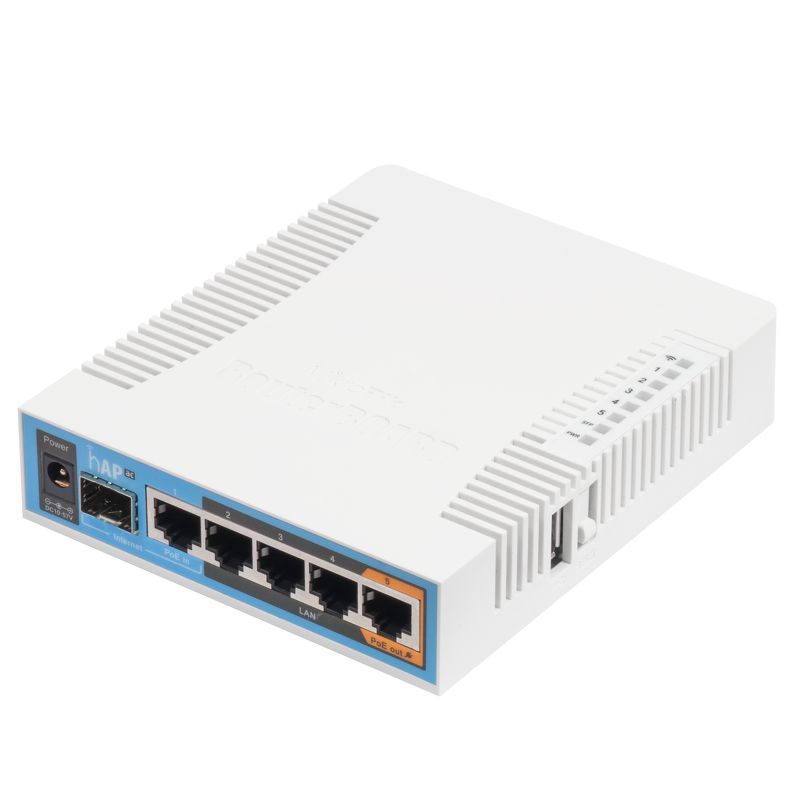
online I decided Mikrotik would be my next
internet entry point.
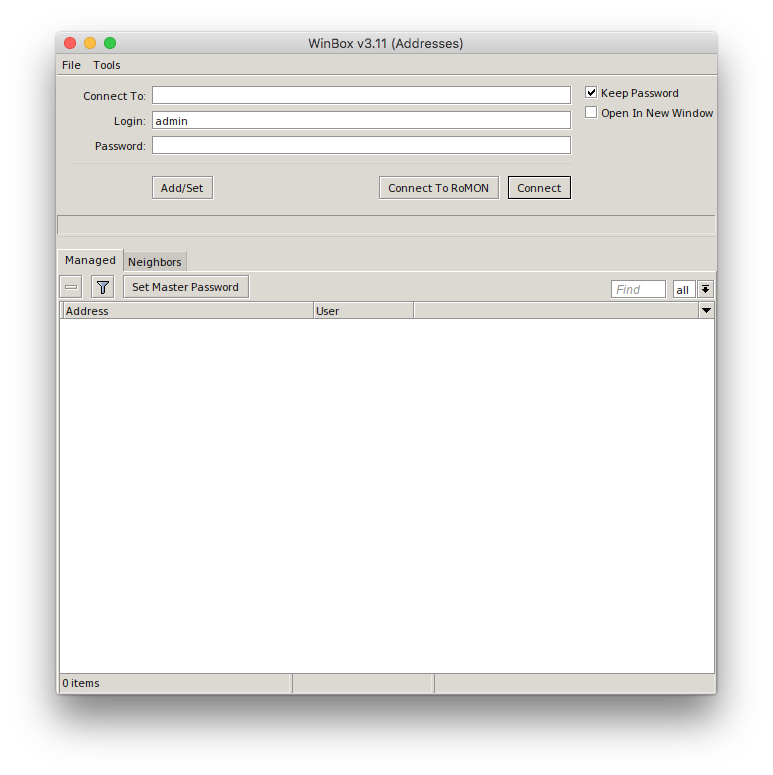
Winbox is available -
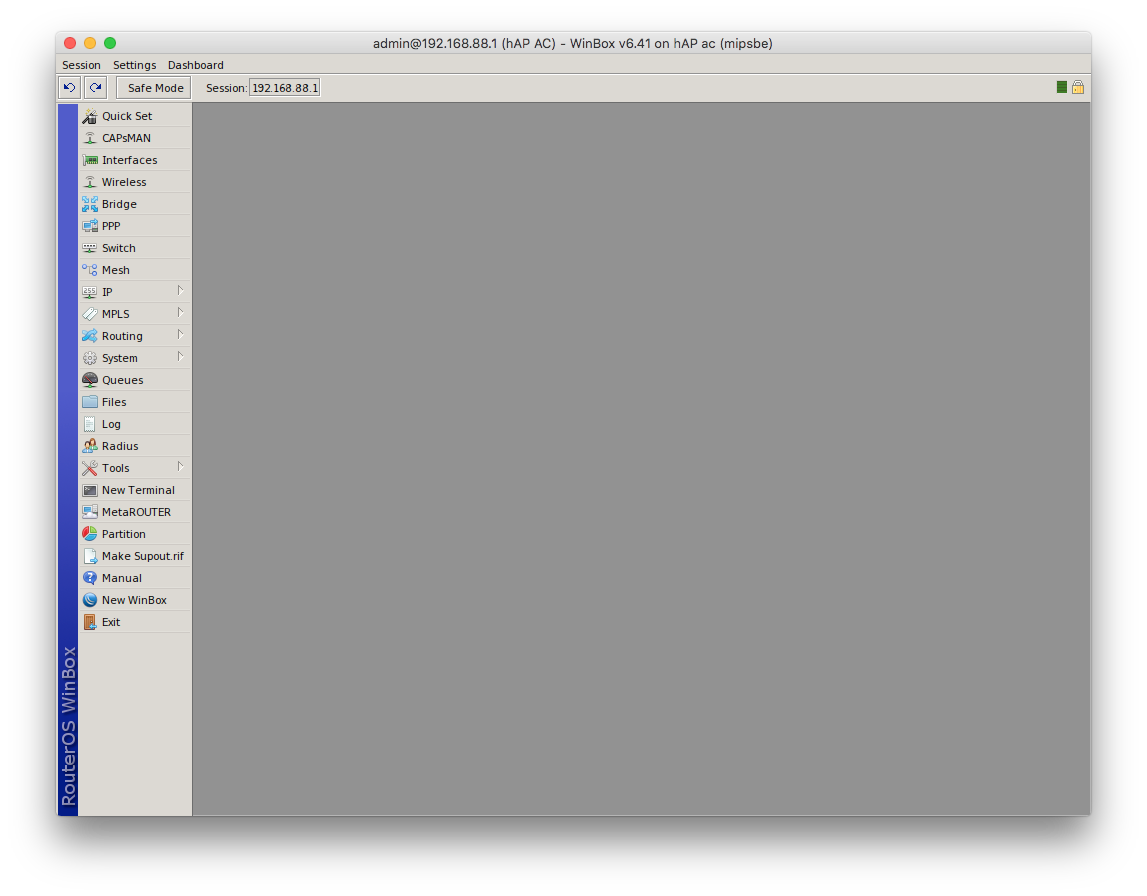
guess what - for Windows only and is a RouterOS management application.
It looks quite similar to the webui, but has some features you will
really like as multiple windows.
If your fonts are looking bad, try to run
winetricks settings fontsmooth=rgb before you relaunch the
application.
s
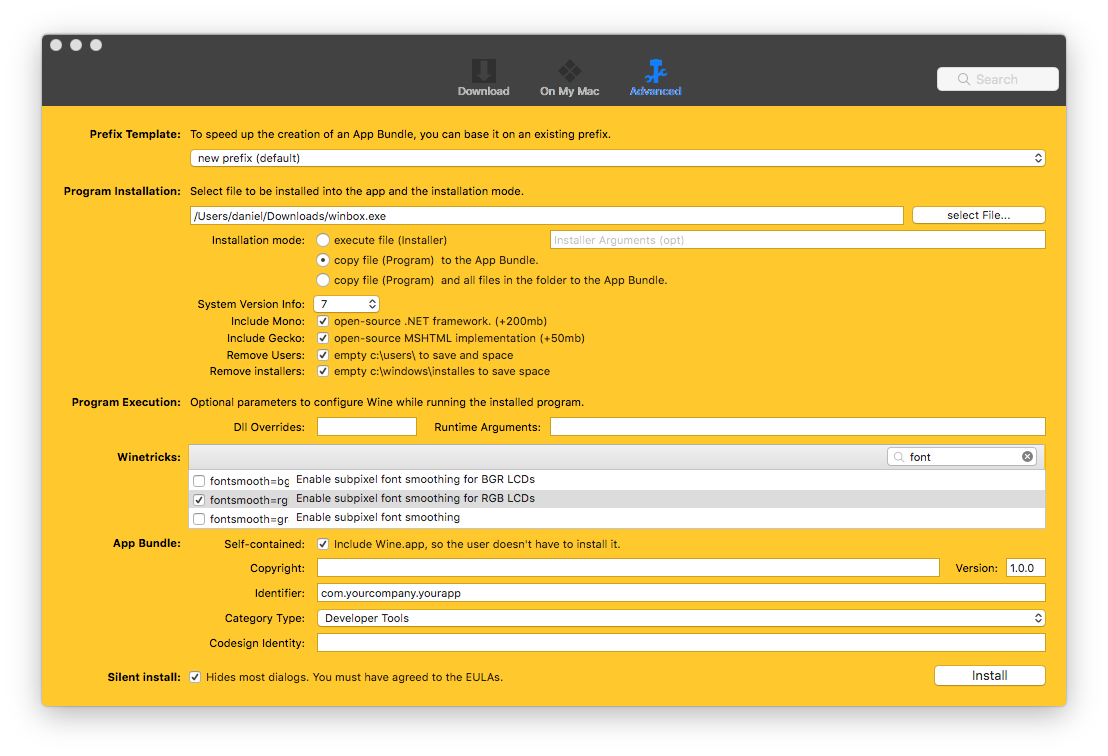
Create a macOS application with WineBottler
If you’re not familiar with command line you can use
WineBottler to bundle everything
together and have an *.app package you can just drop into your
/Applications folder as you’re used to.
The package will be quite large as you see below.
WineBottler includes
Wine into the applicaton package.
ls -lah ~/Downloads/ |grep -i winbox
drwxr-xr-x@   3 daniel  staff    96B 24 Jan 14:34 macOS-Winbox.app
-rw-r--r--@   1 daniel  staff   1,5M 24 Jan 13:38 winbox.exe
du -sh ~/Downloads/macOS-Winbox.app
542M    /Users/daniel/Downloads/macOS-Winbox.app